
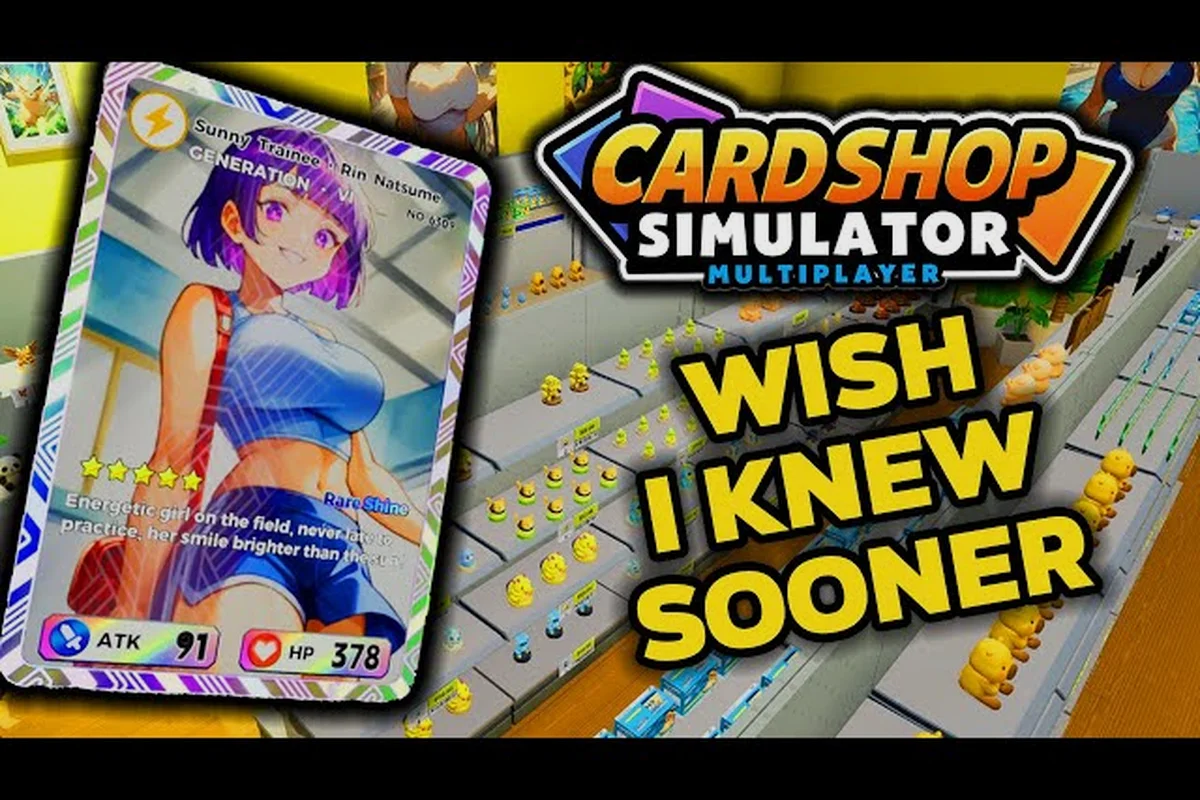
Running a trading card store solo works, but it gets heavy once you juggle stocking shelves, ringing up a line of 28 customers, and refereeing a play table at the same time. This TCG Card Shop Simulator multiplayer guide walks through how co-op works on PC and console, what you can share with a partner, and how the experience compares to other shop-management sims. Full release dropped on September 15, 2026, and co-op support finally landed alongside it, which is why so many first-time owners are searching for a clear setup walkthrough this week.
The game supports up to 28 customers in the shop at once, packs 4,436 cards across the collection, and ships on PC, Xbox, PlayStation, and Nintendo Switch, so the co-op setup is shaped by that wide platform spread. The official store page confirms the cross-buy and the screenshot gallery on Steam shows real players running two-player shifts already, which means the features below are based on what people are actually doing in-game rather than marketing claims.
Setting Up Co-Op on PC, Xbox, and PlayStation
Multiplayer in this sim runs on a simple host-plus-guest model, not a persistent MMO shard. One player hosts a private session, the second joins through an invite, and the session ends whenever the host quits back to the main menu. Because the build is on Steam, Xbox, PlayStation, and Switch, the exact menu path differs a touch, but the underlying flow is identical.
PC (Steam) Co-Op Setup
On Steam, hosting is the fastest path because the session is created from the main menu. Open the game, hit Multiplayer on the title screen, choose Host Session, and the game drops you back into your shop with a session code displayed in the top-right corner. Your partner launches the game, selects Join Session, types the code, and lands on your shop floor within a few seconds.
The PC build is the most stable co-op target, which matches what OPNeon Games shows in the official video library for two-player shifts. Cross-play between Steam and console is not active at launch, so PC partners can only join other PC hosts right now.
Xbox and PlayStation Console Setup
Console setup mirrors the PC flow, but you launch the session through the platform friend list rather than typing a code. On Xbox, open the Multiplayer tile, select Host Session, and the system generates a console invite. Your partner accepts it from the Xbox guide, and the game drops them into your shop automatically.
PlayStation works the same way through the PSN party menu. The reason this matters for a TCG Card Shop Simulator xbox guide specifically is that the host's save file is the one that gets updated, which is a common gotcha for players who assume both saves track independently. If your console friend wants to keep their own shop, they need to host their own session from their own save.
| Platform | Host Path | Join Path | Cross-Play | Save Behavior |
|---|---|---|---|---|
| PC (Steam) | Main Menu → Multiplayer → Host Session | Join Session + 6-digit code | PC-only at launch | Host save only |
| Xbox Series X/S | Multiplayer tile → Host Session | Xbox friend invite | Xbox-only at launch | Host save only |
| PS5 | Multiplayer → Host Session | PSN party invite | PS5-only at launch | Host save only |
| Nintendo Switch | Multiplayer → Host Session | Switch friend invite | Switch-only at launch | Host save only |
Quick Connection Checklist
Most failed co-op lobbies in TCG Card Shop Simulator never get past the "joining session" spinner because one player is still on an older branch — for example, the host updated to the September 15, 2026 full release while the guest is mid-session in Early Access, which forces a silent version mismatch instead of an error message. Spend the two minutes up front to verify build numbers, cross-platform store accounts, and a wired host connection; resolving those three checks here is what keeps a 20-minute black screen from wiping out a planned Card Night shift with your co-op partner.
-
Both players have updated to the September 15, 2026 full release build (the Early Access branch does not always match the live console patches).
-
The host is on the platform storefront they want to invite from — Xbox hosts only invite Xbox friends, Steam hosts only invite Steam friends.
-
Both players are on the same game version. A version mismatch is the most common cause of a join that never completes.
-
The host's internet is stable. If the host loses connection, the session ends for the guest immediately.
What You Can Share in Co-Op
Co-op is not split-screen and it is not a parallel-shop mode, so understanding what your partner can actually touch saves a lot of arguments on shift one. The session runs on the host's shop, the host's stock, and the host's day cycle. The guest floats in as a second clerk with limited tools.
Counter and Register Duties
Both players can ring customers up at any open register, which is the single biggest workload relief in co-op. The host grabs the busy north counter, the guest takes the quieter south register, and the line of 28 shoppers drains twice as fast. Tips and register sales still post to the host's wallet, but the throughput alone is worth running with a partner during peak hours.
Restocking and Shelf Placement
The guest can pick up booster boxes from the back room and place them on shelves, but pricing decisions stay with the host. The host owns the Markup slider, the host owns the Sale toggle, and the host owns the Stock Order app settings. According to the Steam community guides hub, this is a deliberate design call to keep pricing strategy from getting out of sync between two players, since the shop balance model is sensitive to a single mispriced box.
Play Table and Events
Run tournaments the right way by having the guest referee at the play table while the host floats between registers. The play table customer count caps out at the host's event tier, but the guest can seat players, deal cards, and collect entry fees. If you are chasing the tournament update details, the co-op workflow lines up with the new event scheduling system, which lets you queue tournaments while one player runs the front of house.
Cleaning, Mopping, and Auto Sprayers
Grime is the silent run-ender in this game. Dirty floors push shoppers out before they reach the register and stop play table customers from coming back, so the guest should mop the floor, empty the trash, and refill the auto sprayer while the host handles cash. This division of labor is the most efficient shift pattern reported by players, because both tasks must be running for the shop to keep its Cleanliness rating above the customer-flee threshold.
| Task | Host Can Do | Guest Can Do | Both Recommended? |
|---|---|---|---|
| Ring register | Yes | Yes | Yes — split counters |
| Set markup | Yes | No | Host only |
| Order stock | Yes | No | Host only |
| Restock shelves | Yes | Yes | Yes — split aisles |
| Seat play table | Yes | Yes | Yes — guest referees |
| Clean floors | Yes | Yes | Yes — guest mops |
| Open/close shop | Yes | No | Host only |
Cross-Play Status and Platform Limits
This is the section most readers skip, then get burned by it. Cross-play is platform-locked at launch, which means a Steam player cannot join an Xbox session, a PlayStation player cannot join a Switch session, and so on. The session stays inside the same platform family.
Why Cross-Play Is Limited
OPNeon has not enabled cross-platform invites yet, and the launch patch notes frame it as a roadmap item rather than a confirmed feature. The challenge is partly certification — every console platform requires its own network stack — and partly account linking, since the host's shop data lives on the platform store they bought the game on. Community testing on the official video library suggests the developer is actively tuning netcode for stability before turning cross-play on, and we expect a small adjustment in a Q4 2026 update.
What Works Today
Within the same platform, co-op is smooth. Two Steam players on the same Wi-Fi rarely see desync. Two Xbox players on the same regional network see the same. The bottleneck is upstream bandwidth, not the game engine, so playing on the same home network is more reliable than cross-country co-op.
| Platform Pair | Cross-Play Status | Notes |
|---|---|---|
| Steam ↔ Steam | Supported | Same network recommended |
| Xbox ↔ Xbox | Supported | Requires Xbox Live gold for online play |
| PS5 ↔ PS5 | Supported | Requires PSN subscription |
| Switch ↔ Switch | Supported | Best on wired LAN adapter |
| Steam ↔ Console | Not supported | Roadmap feature, ETA Q4 2026 |
| Xbox ↔ PS5 | Not supported | No announced plans |
How TCG Card Shop Simulator Co-Op Compares to Other Shop Sims
A TCG Card Shop Simulator vs other shop sims comparison is the most common follow-up question once players get the co-op loop running. The honest answer is that no other shop sim in the genre has shipped with the same co-op scope at launch, and that shapes how the multiplayer experience actually feels.
TCG Card Shop Simulator vs Recettear
Recettear pioneered the run-a-shop-while-paying-debt loop, but its co-op support was a fan mod rather than a shipped feature. TCG Card Shop Simulator ships co-op out of the box on every platform, which is a meaningful gap. The trade-off is depth of single-player storytelling: Recettear has a stronger narrative arc around the debt clock, while TCG Card Shop Simulator leans on procedural customer patterns and card collection grind.
TCG Card Shop Simulator vs Moonlighter
Moonlighter blends shopkeeping with dungeon crawling, and it has no native co-op. The shop half of Moonlighter is a solo affair, and that makes the co-op-only-shop workflow in TCG Card Shop Simulator stand out. If you want a partner managing the register while you restock, only TCG Card Shop Simulator ships that loop on day one.
TCG Card Shop Simulator vs Shoppe Keep
Shoppe Keep is the closest comparison because it is a fantasy shop sim with two-player local co-op. The big difference is that Shoppe Keep is local couch co-op, while TCG Card Shop Simulator is online co-op. If your partner lives in another city, only the TCG Card Shop Simulator multiplayer build gives you a real online co-op shift today.
| Feature | TCG Card Shop Simulator | Recettear | Moonlighter | Shoppe Keep |
|---|---|---|---|---|
| Online Co-Op | Yes | No | No | No |
| Local Co-Op | No | No | No | Yes |
| Platforms | PC, Xbox, PS5, Switch | PC | PC, Switch, PS4 | PC, Switch, PS4 |
| Customer Cap | 28 | ~12 | ~6 | ~8 |
| Card Collection | 4,436 cards | N/A | N/A | N/A |
| Play Table Events | Yes | No | No | No |
Tips for a Smooth First Co-Op Shift
The first co-op shift in TCG Card Shop Simulator usually breaks down because both players try to handle the front counter, restock display cases, and run deliveries simultaneously, which causes constant pathing collisions around the register. Agreeing on zones up front — for example, one player owns the counter while the other stocks shelves and handles Trash cleanups — keeps the store running smoothly. Rotating those roles every shift also prevents fatigue and makes sure both players learn the full day cycle.
Pre-Shift Setup
Before opening the doors, agree on a counter split. The host takes the register nearest the Stock Order app so they can reorder without crossing the shop floor, and the guest takes the counter nearest the back room so restocking is a short walk. If you want a deeper dive on the morning routine, the first-day walkthrough covers the solo version of this same setup, which translates well into co-op.
Mid-Shift Communication
Voice chat is the difference between a smooth shift and a chaotic one. Most players report that one minute of pre-shift planning saves ten minutes of mid-shift confusion. Pin a job rotation, switch every 20 minutes, and let the other player take the busy counter while you mop the back aisles.
Avoiding the Common Pitfalls
The single most common mistake is letting the guest set their own markup on a shelf, which desyncs the shop's pricing model. The host owns all pricing decisions. The second most common mistake is ignoring Cleanliness, because a dirty floor drops the customer-flee threshold and you lose shoppers mid-shift. Mop every 15 minutes, empty trash every 30, and the shop will hold its 28-customer cap comfortably.
If you are new to the broader game loop, the early-game mistakes roundup catches the solo versions of these pitfalls, and almost all of them translate to co-op with a partner at the register, from over-investing in display cases before unlocking the second checkout lane to forgetting to restock holo rares during the lunchtime rush. A guest running off to re-shelve booster packs while the host is mid-transaction also stalls the card-binder queue and bleeds patience, so assigning one role per person per shift keeps Daily Sales targets on track.
Frequently Asked Questions
Does TCG Card Shop Simulator have cross-play between PC and console?
Not at launch. The September 15, 2026 full release patch supports co-op within the same platform family only — Steam with Steam, Xbox with Xbox, PlayStation with PlayStation, and Switch with Switch. Cross-platform invites are a confirmed roadmap item, with the developer targeting a Q4 2026 update based on what the OPNeon video library has shown in their netcode testing clips.
How many players can join a co-op session?
Two players per session, with one acting as the host and the other as a guest. The host runs the session, owns the save file, and keeps the day's revenue on their wallet. The guest can ring registers, restock shelves, mop floors, and referee play table events, but cannot set markup, place stock orders, or open and close the shop.
Do both players need their own copy of the game?
Yes. Each player needs a full copy of TCG Card Shop Simulator on their platform of choice. There is no guest-pass system at launch, and the host's invite does not include a trial license for the joining player. Cross-buy is available on console families if you own the digital edition, so a single purchase covers Xbox Series X|S and Xbox One on the same account.
Can my partner keep their own shop progress in co-op?
Only if they host their own session from their own save file. The co-op session always runs on the host's shop, so the guest's separate shop stays frozen for the duration. If you want both of you to grind card collection at the same time, take turns hosting — run your shop for two hours, then swap and run theirs.
Is the co-op session the same as a TCG Card Shop Simulator xbox guide solo run, gameplay-wise?
The mechanics are identical, but the pace is faster because you can split registers and the guest handles floors. The card collection, the 28-customer cap, the 4,436-card pool, and the play table events all behave the same way. The biggest difference is that pricing strategy stays solo, because only the host controls markups and the Stock Order app.