
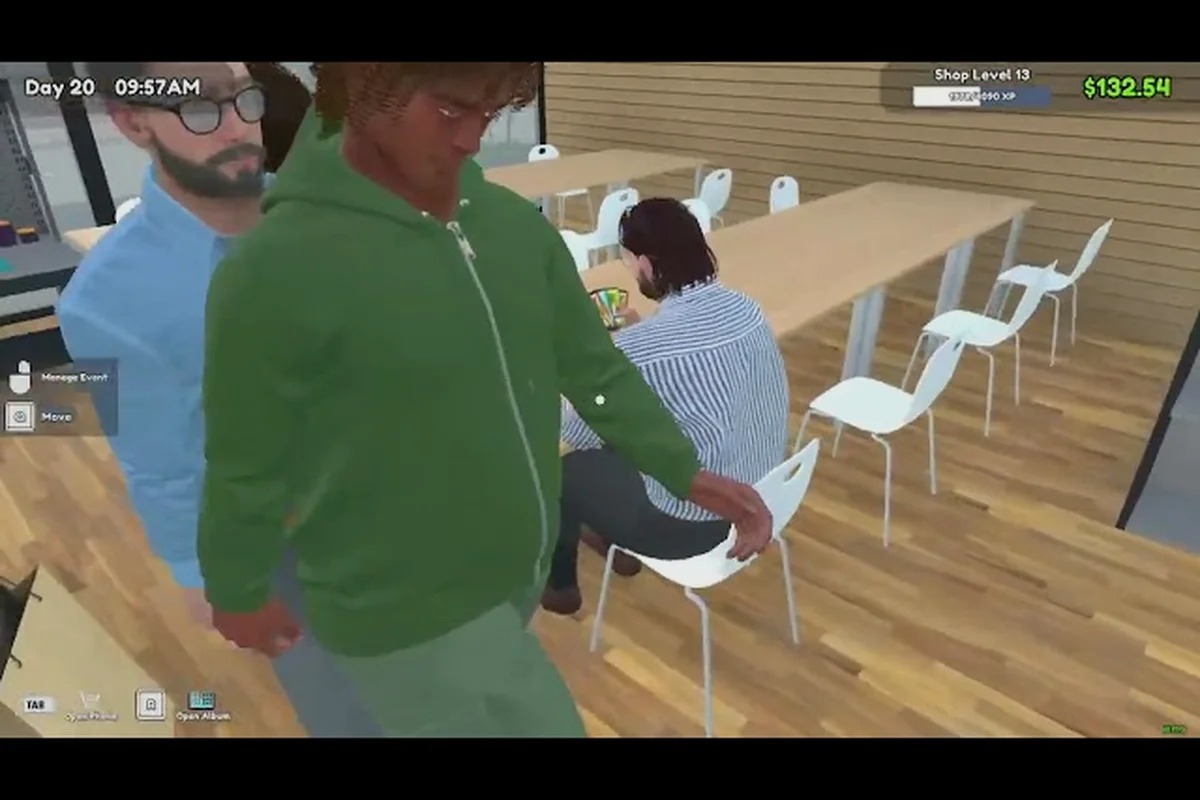
What You Need to Survive Day One
The first hour of any TCG Card Shop Simulator tutorial decides whether your shop sinks or stabilizes. Cash arrives thin, rent arrives fat, and the TCG Card Shop Simulator on Steam store page confirms the opening loop is buy wholesale, stock shelves, set a markup, and stay solvent. That single sentence is the entire spine of this strategy guide, and every mechanic in the 1.0 build ladders out from it.
The full release on September 15, 2026 wrapped roughly two years of Early Access, shipped with 50 Steam achievements, and locked in the floor plan at up to 28 customers browsing at once. According to community data, the floor is also why wholesale ordering matters so much early: empty shelf space does not turn into a queued customer, because shoppers path toward product, not toward your register. A bare shelf is a lost sale plus the electricity tick that ran while nobody shopped.
Players who run a TCG Card Shop Simulator co-op guide path often have an extra set of hands to restock, but the underlying tutorial beats are identical. This is a management sim dressed in cardboard sleeves, not an action roguelike. Your skill expression lives in pricing discipline, shelf rotation, and the order in which you upgrade fixtures, not in reflexes.
| Early Priority | Default Action | Optimized Action | Why It Matters |
|---|---|---|---|
| Buy order | Small pack, retail markup | Wholesale booster box, mid markup | Wholesale cuts per-pack cost enough to absorb the daily counter fee |
| Shelf fill | Spread products evenly | Stack one product deep, leave alternate shelves empty | Customers path to product, so depth converts better than variety on day one |
| Price tag | Match the recommended retail | Run a 25–35% markup on wholesale cost | Above ~40%, walk-aways spike; below 20%, margin cannot cover rent |
| Counter count | One counter for the entire shop | One counter until second counter pays for itself in one shift | Each counter adds a flat daily fee, paid even when idle |
This table is the condensed version of the rest of the guide. If you internalize only one section, internalize the pricing math in the next section, because markup is the only number you control in real time on every transaction.
The Wholesale and Markup Core Loop
Why Wholesale Always Wins on Day One
The Stock Order app is your primary money sink and your only reliable cost reducer. A booster box ordered through wholesale arrives at a per-pack price well below anything you can repurchase at retail, which is the structural reason an aggressive wholesaler beats a cautious retailer on the first in-game day. Community testing on the OPNeon Games official announcement hub describes the early economy as a race between your cash buffer and your rent timer, and the cheapest way to widen that gap is the order screen.
A simple rule survives every patch in this 1.0 build: if a product is on the shelf and it was not bought at wholesale, you are paying a hidden tax on every sale. The first three booster boxes you open should be the ones you bought, not the ones a customer returned. Returned product is useful filler, never a margin anchor.
Setting the Markup Customers Actually Accept
Markup is a percentage, not a feeling, and the customer acceptance band is narrower than most new clerks expect. A 25–35% markup on wholesale cost is the reported sweet spot for Tetramon booster packs, with the upper edge reserved for shelves that already have steady foot traffic. Drop below 15% and you are donating margin to cover rent. Push past 45% and the walk-away rate climbs faster than the per-sale profit, especially on generic product.
| Markup Range | Customer Behavior | Best Use Case |
|---|---|---|
| 10–20% | Steady purchases, very low walk-away | Hot restocks, expansion week, cash crunch days |
| 25–35% | Balanced conversion, healthy per-sale margin | Default setting for most shelves in a stable shop |
| 40–50% | Walk-aways spike on new product, stable on rare pulls | Limited inventory, hyped sets, event week |
| 55%+ | Most browsers leave the shelf untouched | Avoid outside tournament days or charity flexes |
Players running a TCG Card Shop Simulator co-op guide often split pricing duties: one person owns the wholesale orders, another owns the shelf tags. That division works because it removes the most common tutorial mistake, which is repricing the same box three times in a single shift while customers queue.
Stocking Shelves and Routing Customers
Shelf Layout Is a Money Problem, Not a Decoration Problem
Customers in this game path toward visible product, not toward your register, which means shelf depth converts better than shelf variety on a tight budget. The Steam hub page describe the simulator as a pathfinding-driven shop where the fastest way to grow revenue is to remove the friction between the entrance and the highest-margin shelf. A deep stack of one product wins against a thin spread of five products on day one, because every customer who walks past the empty side of the aisle is a customer who never reaches the second shelf.
The second layout lever is counter placement. Counters cost a flat daily fee plus per-minute electricity, so each new register should earn its keep inside a single shift. If a second counter does not pay for itself before close, it is a loss, and the TCG Card Shop Simulator no-mods guide covers the same lesson in a broader beginner context.
Expansion Timing and the Electricity Trap
Expanding the floor before the shelves can be filled converts profit into empty square footage and a permanently higher electricity bill. The community-reported trap looks like this: you earn a good day, you grab a second counter and a display case, and you end the week with more rent, more electricity, and the same number of customers because the new space is empty. Hold expansion until you can fill the new footprint with product you already own.
| Upgrade | Cost Profile | Pays Back When | Common Mistake |
|---|---|---|---|
| Second counter | Daily fee + idle electricity | Shop has steady queue, 28-customer cap hit | Bought on a single good day, bled cash on a slow day |
| Display case | One-time + per-minute power | Rare pulls exist and visible | Bought before any rare inventory arrived, ran empty |
| Floor expansion | High one-time + permanent power | Shelves can be filled for a full week | Expanded into space that stayed empty for three in-game days |
| Extra shelf | Cheap, low operating cost | Always safe | Bought five at once, split cash, never filled them |
A lean expansion plan is one of the cleanest signals of an experienced clerk in any TCG Card Shop Simulator tutorial, and the rule of thumb translates directly to the upgrade table above: never add a second counter until queues regularly hit the 28-customer cap, never buy a display case before rare pulls are actually cycling through your inventory, and never trigger a floor expansion unless every existing shelf has been restocked to full capacity for at least seven consecutive in-game days. New players expand on emotion after a single profitable shift, while veterans in this TCG Card Shop Simulator 1.0 guide wait for the previous upgrade's daily fee and idle power draw to be fully absorbed by steady revenue — a discipline that keeps both the rent line and the electricity meter from compounding faster than the shop's customer throughput can justify.
Reading the Daily Numbers and the Rent Timer
Fixed Costs Are Small but Real
Early fixed costs are easy to underestimate because they look like rounding error on day one. A flat daily fee per checkout counter plus electricity charged per real minute stacks quietly into a real number by the end of the week. The Steam community hub calls this out as the single most common reason a promising run goes red, and it is the reason an empty counter is more expensive than it looks. Every minute a counter sits open with no customer is electricity you cannot recover.
Tracking these costs is the simplest strategy improvement most new clerks can make. Write down the daily counter fee, the per-minute electricity rate, and your average revenue per shift, and the tutorial stops being guesswork. If revenue per shift does not clear the daily counter fee plus electricity by a healthy margin, you are not running a shop, you are running a very slow subscription.
Cash Flow Beats Profit Per Sale
Profit per sale is a vanity number if it does not cover fixed costs. The TCG Card Shop Simulator money path in this 1.0 build favors clerks who think in weekly cash flow, not per-transaction margin, because rent and electricity arrive whether the shop had a good day or a bad one. The TCG Card Shop Simulator money guide digs deeper into profit per pack and markup percentage, but the tutorial takeaway is simpler: a 30% markup with 40 sales beats a 50% markup with 8 sales every single time, because the second shop cannot cover its own rent.
| Shop Archetype | Markup | Daily Sales | Net Daily Cash | Verdict |
|---|---|---|---|---|
| Discount store | 15% | 45–60 | Tight, depends on volume | Survives only with very low fixed cost |
| Balanced shop | 30% | 25–35 | Stable, room to expand | Default target for most playthroughs |
| Premium shop | 50% | 8–14 | Negative most days | Only viable with rare inventory or event weeks |
| Event shop | 70%+ | 5–10, then zero | Spike then crash | Use for tournaments, then rebalance |
The Balanced shop row in the table above is the entire reason this TCG Card Shop Simulator 1.0 guide centers on a 30% markup with 25–35 daily sales. Every other archetype in that archetype comparison is a special case, and the special cases only pay off after you have a stable baseline: a Premium shop needs rare inventory drops, while an Event shop needs tournament demand, and a Discount store only survives if your daily fixed cost stays well under the volume you can push. Treat the Balanced row as the default, and treat the other three as transitions you move through once clerk wages, rent, and electricity are comfortably covered by your regular markup path.
Multiplayer, Co-op, and Splitting the Work
Co-op Changes the Workflow, Not the Math
Running a TCG Card Shop Simulator co-op guide path does not unlock new mechanics. It unlocks a second pair of hands, and the second pair of hands only matters if you stop trying to do everything at once. The cleanest split reported by players is one clerk on the order screen, one clerk on the floor, and a shared pricing rule that both of you agree on before the shift starts. Without that shared rule, co-op devolves into repricing wars and a register nobody staffs.
The TCG Card Shop Simulator multiplayer guide covers console-side co-op and platform differences, but the underlying tutorial lesson is identical across PC, Xbox, PlayStation, and Switch: assign roles, agree on a markup band, and let each clerk own one screen for the entire shift.
When to Hire a Third Clerk in a Co-op Run
A third player is useful only after the first two have stabilized a single shift, because an understaffed shop with three clerks still loses customers to queueing. If your shift has empty shelf space and a stocked register, the third player should restock before they touch pricing. If your shift has full shelves and a single register, the third player should open a second register only after the queue has paid for it in one shift.
| Co-op Setup | Best Role Split | Common Failure Mode |
|---|---|---|
| Two players | One orders, one prices and stocks | Both players repricing the same shelf, customers walk away |
| Three players | One orders, one prices, one restocks | Third player idles because shelves were never filled |
| Four players | Two on floor, one on orders, one on register | Counter fee balloons past revenue, shop goes red |
| Two players on console | One on register, one on orders | No one watches the queue, customers leave |
Co-op is a force multiplier, not a difficulty slider: it divides labor, not rent or supplier costs. Players who treat it as the latter usually end up with the same red balance as solo, just shared with friends, because bringing on a third clerk doesn't lower your daily loan repayment, your binder re-stocking fees, or your restock shipping cooldowns. The table above shows exactly where the split breaks down — the four-player "two on floor, one on orders, one on register" preset is the classic trap, since the second floor clerk usually just reprices what the first one already tagged, while the counter fees from a register-heavy rotation will silently drain the till. Treat the roster as a shift-role template, not a difficulty toggle, and the co-op multiplier actually multiplies.
Long-Term Strategy and the 1.0 Endgame
Building a Stable Shop Versus a Growing Shop
A stable shop covers fixed costs every day with margin to spare. A growing shop covers fixed costs and reinvests the surplus into expansion. The transition from one to the other is the entire 1.0 progression arc, and it is the part of the TCG Card Shop Simulator tutorial that most guides skip. New clerks chase expansion because expansion is visible, but a stable shop is what funds expansion in the first place. The how long to beat TCG Card Shop Simulator breakdown gives a sense of how long this transition usually takes in real hours, and the answer is usually longer than the clerk expects.
The cleanest signal that you are ready to grow is a week of green daily results with the same shop footprint. If you can hold a stable shop for seven in-game days, you are ready to expand. If you cannot, expansion will speedrun your bankruptcy.
Preparing for Tournaments and High-Margin Days
Tournament days are the only days a premium markup makes sense, and they are also the only days a stocked rare shelf pays for itself. The TCG Card Shop Simulator evolution cards breakdown covers the tournament side in more detail, but the tutorial version is short: stack rare product the week before a tournament, run a 40–50% markup on tournament day, and reset to the 25–35% band the morning after. Holding tournament pricing into a normal week is the fastest way to lose the customers you spent the month building.
| Phase | Markup | Shelf Focus | Cash Goal |
|---|---|---|---|
| Pre-tournament week | 30% | Stack rare product deep | Build rare inventory, keep cash flat |
| Tournament day | 40–50% | Lead with rare, fall back to standard | Spike revenue, do not chase walk-aways |
| Post-tournament day | 25–30% | Reset to standard mix | Recover regulars who saw the spike and felt priced out |
| Expansion week | 20–25% | Fill new footprint, keep traffic moving | Trade margin for stable daily volume |
The endgame of the 1.0 build is a shop that runs itself at a 30% baseline markup and only deviates on tournament weeks, which is why the post-tournament and expansion rows in the table above matter more than the headline numbers most new clerks chase. Between events, automate restocking, lock the card binder, and let walk-in foot traffic absorb the standard 25–30% band; the cash goal during a "noise week" is to keep net daily revenue above the lease and clerk wage while your rare inventory quietly re-stocks for the next spike. First-run clerks usually lose not because their tournament day was weak, but because they held 45% pricing into a Tuesday, burned a regular, and spent the rest of the run rebuilding trust on a customer roster that decays faster than the upgrade tree in co-op. Treat every non-tournament day as a maintenance shift and the 1.0 endgame becomes a self-sustaining loop rather than a grind.
Frequently Asked Questions
How long does the TCG Card Shop Simulator tutorial take to finish the opening loop?
The opening loop in this 1.0 guide takes roughly 45–60 real minutes for a new player, which is enough time to complete the first wholesale order, set a stable markup, and survive the first daily counter fee. Community data reports the loop tightens to under 20 minutes once the per-minute electricity cost is internalized, which is the real tutorial finish line.
What is the best markup for a brand new shop?
A 25–35% markup on wholesale cost is the best starting point for a new shop, because it stays inside the customer acceptance band and still covers rent plus electricity on a normal shift. Push past 45% and the walk-away rate climbs faster than the per-sale margin, especially on generic booster packs that customers can compare across shelves.
Can I run the TCG Card Shop Simulator co-op guide setup from day one?
Yes, co-op is available from the start, and a two-player co-op run is one of the fastest ways to learn the wholesale and markup loop because one player can order while the other prices. Assign roles before the first shift opens, agree on a shared markup band, and avoid the most common co-op mistake of having both players repricing the same shelf at the same time.
When should I expand the shop floor in the 1.0 build?
Expand the shop floor only after seven consecutive in-game days of green daily results on the current footprint, because expansion converts profit into empty space and a permanently higher electricity bill. Players who expand on a single good day usually bleed cash on the next slow day and end up with more rent and the same number of customers.
Do returned products count as wholesale inventory?
No, returned products are useful filler for low-traffic shelves but they are not a margin anchor, and treating them like a wholesale source is one of the most common tutorial mistakes. The Stock Order app is the only reliable cost reducer in the 1.0 build, and the cheapest per-pack price always comes from a wholesale booster box rather than a customer return.